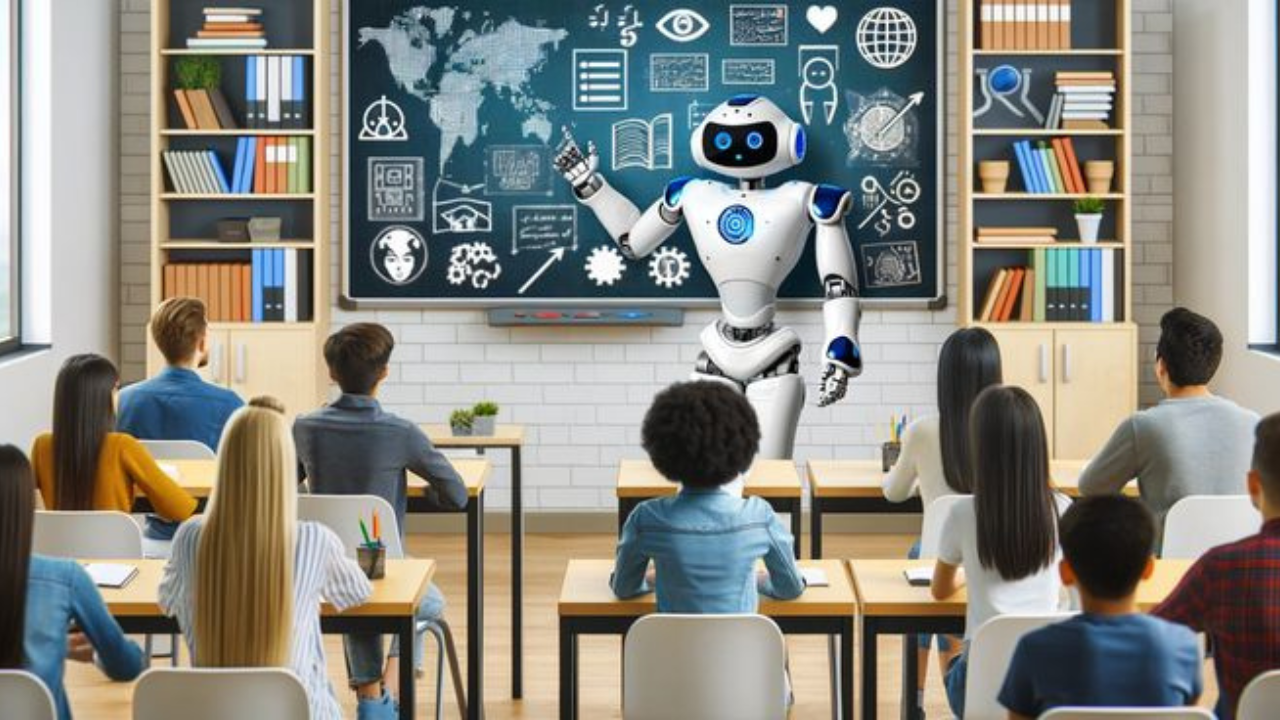
Hey there, educators! If you’re anything like me, you’re always on the lookout for fresh ways to spark curiosity in your classroom, save time on planning, and make learning feel like an adventure for your students. I recently dove into the highlights from ISTELive 2025, the massive edtech conference held in San Antonio, and let me tell you—it was a goldmine of inspiration! This year’s theme, “Inspiring Bold Innovation,” really set the stage for some game-changing ideas, especially when it comes to artificial intelligence (AI) in education. Whether you’re a tech newbie or a seasoned pro, the AI tools and projects showcased at ISTELive 2025 are worth getting excited about. In this post, I’m sharing the standout tools and classroom projects that caught my attention, along with practical tips to bring them into your teaching. Let’s dive in
Why AI Matters for Teachers in 2025
Before we get to the good stuff, let’s talk about why AI is such a big deal in education right now. AI isn’t just a buzzword—it’s a tool that’s transforming how we teach and how students learn. From saving time on repetitive tasks like grading to creating personalized learning experiences, AI is helping teachers focus on what matters most: connecting with students and fostering creativity. At ISTELive 2025, the message was clear: AI isn’t here to replace teachers (phew!), but to empower us to be more effective, creative, and student-centered. As Richard Culatta, CEO of ISTE+ASCD, put it, “Life is too short for sucky learning.” I couldn’t agree more! The tools and projects I’m about to share are all about making learning meaningful, engaging, and fun.
AI Tools Teachers Can’t Stop Talking About
The expo hall at ISTELive 2025 was buzzing with innovative AI tools designed to make teachers’ lives easier and classrooms more dynamic. Here are some of the standout tools that had educators raving, along with ideas for how to use them in your classroom.
1. Custom Chatbots: Your Personal Teaching Assistant
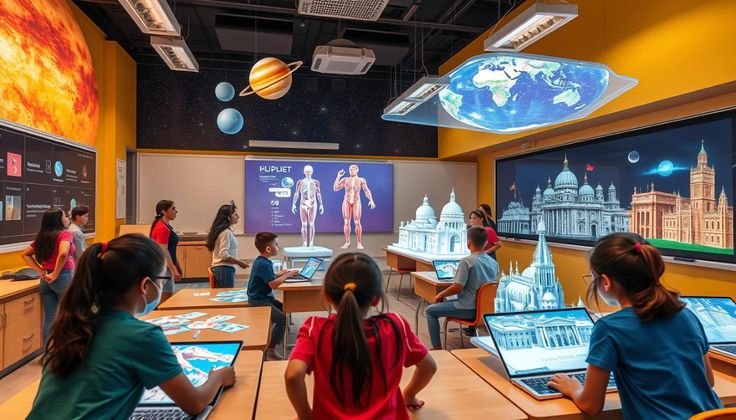
One of the most exciting sessions at ISTELive 2025 was “AI Your Way: Create a Custom Chatbot That Gets Your Teaching Style,” hosted by the Teaching Channel team. Imagine having a virtual assistant that speaks in your voice, understands your classroom routines, and aligns with your teaching philosophy. That’s exactly what custom chatbots can do! Using platforms like ChatGPT’s custom GPT builder (available with a paid subscription) or Google Gemini (free with Google Gems), teachers can create AI assistants tailored to their needs in just a few minutes.
For example, you could design a chatbot to generate writing prompts for your English class, suggest math warm-up activities, or even answer student questions in a way that reflects your teaching style. Sarah Murphy, a Professional Learning Specialist at Teaching Channel, shared how these chatbots can save time by automating repetitive tasks like drafting lesson plans or creating rubrics. Plus, they’re reusable and shareable, so you can collaborate with colleagues to build a library of resources.
How to Get Started: Check out the AI Your Way slides for step-by-step guides on building your own chatbot. Start small—try creating a bot that generates discussion questions for your next history lesson. Trust me, once you see how much time this saves, you’ll be hooked!
2. Magic School AI: A Game-Changer for Student Projects
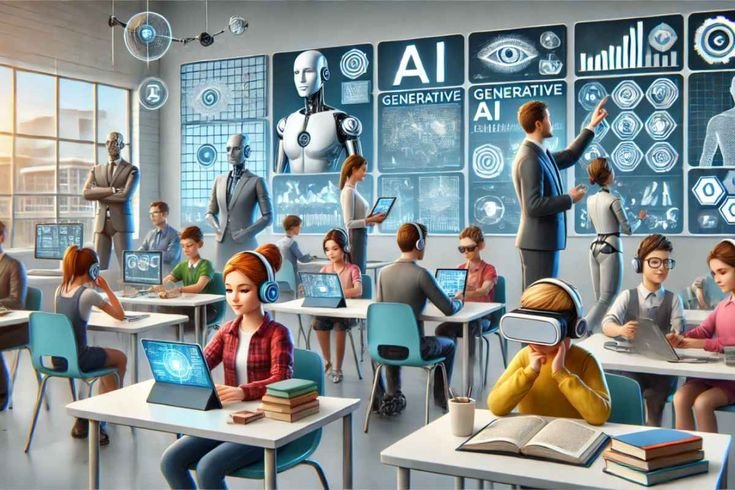
Magic School AI was a crowd favorite at ISTELive 2025, and for good reason. This tool is like a Swiss Army knife for educators, offering features like generating scripts, creating trivia questions, and even supporting student research. In one session, an elementary gifted and talented teacher shared how she used Magic School AI to help her students write scripts for stop-motion videos and create speeches about STEAM heroes who shared their cultural identities. The result? Students were engaged, creative, and building AI literacy without even realizing it.
What I love about Magic School AI is its versatility. Whether you’re teaching third graders or high schoolers, it can adapt to your needs. For younger students, you might use it to generate simple writing prompts or vocabulary games. For older students, it can help with research by suggesting credible sources or summarizing complex texts.
How to Use It: Explore the AI-Powered Projects slides for templates and examples. Try having your students use Magic School AI to create a trivia game for a science unit—it’s a fun way to review content and build collaboration skills.
3. HMH AI Tools: Personalized Learning at Scale

Houghton Mifflin Harcourt (HMH) showcased their AI tools, which integrate seamlessly with their curriculum to deliver personalized instruction. These tools can generate leveled reading passages, vocabulary scaffolds, and formative assessments, allowing teachers to differentiate without spending hours prepping. At ISTELive 2025, educators were buzzing about how these tools free up time for meaningful student interactions.
For example, imagine you’re teaching a mixed-ability reading class. HMH AI Tools can create customized reading passages for each student’s level, complete with comprehension questions and vocabulary support. It’s like having a co-teacher who handles differentiation while you focus on guiding discussions or small-group work.
How to Try It: If your school uses the HMH curriculum, check with your district about accessing these tools. If not, explore similar platforms like Nearpod’s AI generators, which also create customized instructional materials.
4. Microsoft Learning Accelerators: AI for Every Subject

Microsoft’s booth was a hotspot at ISTELive 2025, with its Learning Accelerators stealing the show. Tools like Reading Coach, Math Coach, and Search Coach use AI to provide real-time feedback and personalized learning paths. For instance, Reading Coach can analyze a student’s reading fluency and suggest targeted exercises, while Math Coach offers step-by-step guidance on problem-solving.
What’s great about these tools is their accessibility. They’re designed to work across subjects and grade levels, making them a fantastic option for teachers who want to integrate AI without overhauling their curriculum. Plus, Microsoft’s new Learning Zone app for Copilot+ PCs lets teachers create interactive activities right from their laptops.
How to Get Started: Visit Microsoft’s education page to explore free resources and try the Learning Accelerators. Start with Reading Coach for a literacy unit—it’s a low-lift way to see AI in action.
Classroom Projects That Bring AI to Life
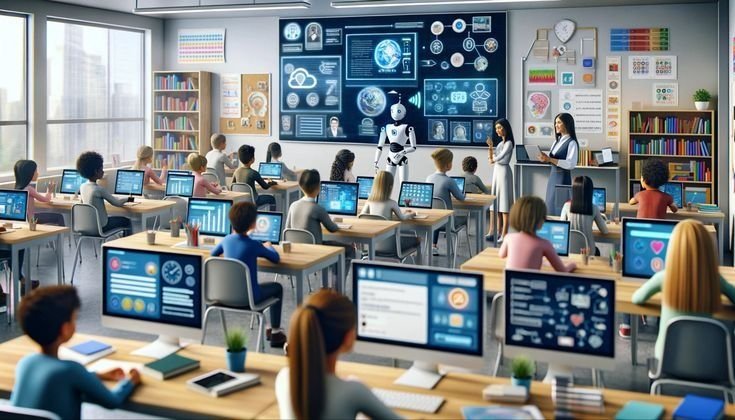
Beyond tools, ISTELive 2025 was packed with inspiring classroom projects that show how AI can make learning hands-on and meaningful. Here are a few that stood out, along with ideas for adapting them to your classroom.
1. AI-Powered Stop-Motion Videos (Elementary)
In the “Dialing Up the Awesome” session, an elementary teacher shared how her students used Magic School AI to write scripts for stop-motion videos. The students created short films about environmental conservation, using AI to brainstorm dialogue and storyboards. The process was simple but powerful: students input prompts into Magic School AI, refined the output with teacher guidance, and then brought their stories to life with animation apps.
This project is perfect for building AI literacy while encouraging creativity. It also teaches students about responsible AI use, as they learn to edit and verify AI-generated content. I can already imagine my own students giggling as they create quirky characters for their films!
Try It Yourself: Start with a simple prompt like, “Write a short script about a superhero saving a forest.” Use Magic School AI to generate the script, then have students animate it using a free app like Stop Motion Studio. You can find project templates in the AI-Powered Projects resources.
2. STEAM Hero Speeches (Middle School)

Another standout project involved middle schoolers using AI to write speeches about STEAM heroes who shared their cultural or personal identities. For example, a student might research a scientist like Mae Jemison and use Magic School AI to draft a speech highlighting her contributions to space exploration. The AI helped students structure their ideas and find engaging language, while the teacher guided them to fact-check and add personal touches.
This project is a fantastic way to blend AI with social-emotional learning. Students not only practice research and writing but also connect with role models who inspire them. It’s a win-win!
How to Adapt It: Choose a theme relevant to your curriculum, like historical figures or literary characters. Use an AI tool like Google Gemini to help students draft their speeches, then have them present to the class or record them as podcasts.
3. AI-Enhanced Trivia Games (High School)
High school teachers at ISTELive 2025 shared how they used AI to create trivia games for review sessions. Using tools like Quizizz or Magic School AI, students generated trivia questions about topics like biology or world history. The twist? Students had to verify the AI’s output to ensure accuracy, which doubled as a lesson in critical thinking and digital literacy.
I love this idea because it’s so versatile. Whether you’re reviewing for a test or introducing a new unit, a trivia game gets students excited and engaged. Plus, it’s a sneaky way to teach them to question AI outputs—a skill they’ll need in an AI-driven world.
Try It in Your Classroom: Have students work in small groups to create trivia questions using Quizizz’s AI features. Then, host a class-wide trivia showdown. Check out Quizalize’s AI Trail Guide for more ideas.
Building AI Literacy: Tips for Teachers

One of the big takeaways from ISTELive 2025 was the importance of AI literacy—not just for students, but for teachers too. As Nancye Blair Black from The Block Uncarved emphasized, AI literacy is about understanding how AI works, using it ethically, and teaching students to do the same. Here are a few tips to get started:
- Start Small: You don’t need to be a tech expert to use AI. Try a simple tool like Nearpod’s AI Lesson Generator to create a quick activity for your next class.
- Emphasize Ethics: Teach students that AI isn’t magic—it’s a tool created by humans that can make mistakes. Discuss privacy, bias, and responsible use.
- Learn Alongside Students: Don’t be afraid to experiment with AI in front of your class. It shows students that learning is a lifelong journey.
- Use Free Resources: Check out ISTE’s AI Lessons for downloadable guides in English, Spanish, and Arabic. They’re packed with “unplugged” activities and chatbot projects to build AI literacy.
The Bigger Picture: AI as a Partner, Not a Replacement
One of the most refreshing messages from ISTELive 2025 was that AI is a partner, not a replacement for teachers. As Mitchel Resnick from MIT Media Lab said in his session, AI can’t replicate human creativity, curiosity, or connection. Instead, it’s a tool to amplify those qualities, helping us create classrooms where students feel seen, heard, and inspired.
I left ISTELive 2025 feeling energized and a little less overwhelmed by the idea of bringing AI into my teaching. The tools and projects shared at the conference are practical, accessible, and—most importantly—focused on making learning meaningful for students. Whether you’re creating a custom chatbot to streamline your planning or guiding students through an AI-powered project, these ideas are designed to fit into your already busy life as a teacher.
Get Started Today!
Ready to bring some ISTELive 2025 magic to your classroom? Here’s my challenge to you: pick one tool or project from this post and try it out this month. Maybe it’s building a custom chatbot for your next unit or having students create a trivia game for review. Start small, stay curious, and don’t be afraid to have fun with it. Your students will thank you for making learning an adventure!
Have you tried any AI tools in your classroom yet? Or maybe you were at ISTELive 2025 and have your favorite moments to share? Drop a comment below or connect with us on Studynest’s social media. Let’s keep the conversation going and inspire each other to teach boldly!
Sources: Teaching Channel, Quizalize, ISTE, EdTech Magazine, Tech & Learning